
Free Home Inspection Checklist Template
Download a free home inspection checklist template to guide your walkthrough. This checklist also works as a pre purchase inspection checklist, covering every area of a residential property — exterior envelope, interior rooms, building services, site conditions, and access spaces. Print it, clip it to your board, and tick off each item as you go so nothing gets missed.
What's included
- Exterior checklist — roof, cladding, gutters, downpipes, windows, doors
- Interior checklist — walls, floors, ceilings, wet areas, joinery
- Services checklist — plumbing, electrical, ventilation, hot water
- Site and grounds — drainage, retaining walls, fencing, driveways
- Subfloor and roof space access notes and observations
Get weekly inspection tips
Free tips on standards, report writing, and growing your inspection business.
Why inspectors ditch templates for InspectPro
A paper home inspection checklist template on a clipboard is how most building inspectors start out. Whether you call it a pre purchase inspection checklist or a building inspection checklist, it works — to a point. You walk the property, tick the boxes, jot a few notes in the margins, then head back to the office to turn those ticks and scribbles into a proper report. The checklist kept you on track during the inspection, but it does nothing to help you afterwards.
The first limitation is photos. A paper checklist cannot store images. You take photos on your phone, but there is no connection between a photo and the checklist item it relates to. Back at the office, you scroll through dozens of photos trying to remember which crack was in the bathroom and which was in the laundry. Multiply that by three inspections in a day and you have a recipe for errors.
The second limitation is detail. A tick box tells you that you looked at the roof, but it does not capture what you found. You might scrawl "cracked tiles NE corner" in the margin, but when you type up the report two hours later, you cannot remember whether it was two tiles or five, or exactly where the damage started. Paper checklists encourage shallow observations because there is no room — literally — for depth.
The third limitation is consistency. Every inspector develops their own shorthand, their own order, their own way of noting issues. When you have a team of inspectors, paper checklists produce wildly inconsistent reports. One inspector writes half a page on the roof; another writes a single line. Clients notice the difference, and it erodes trust in your brand.
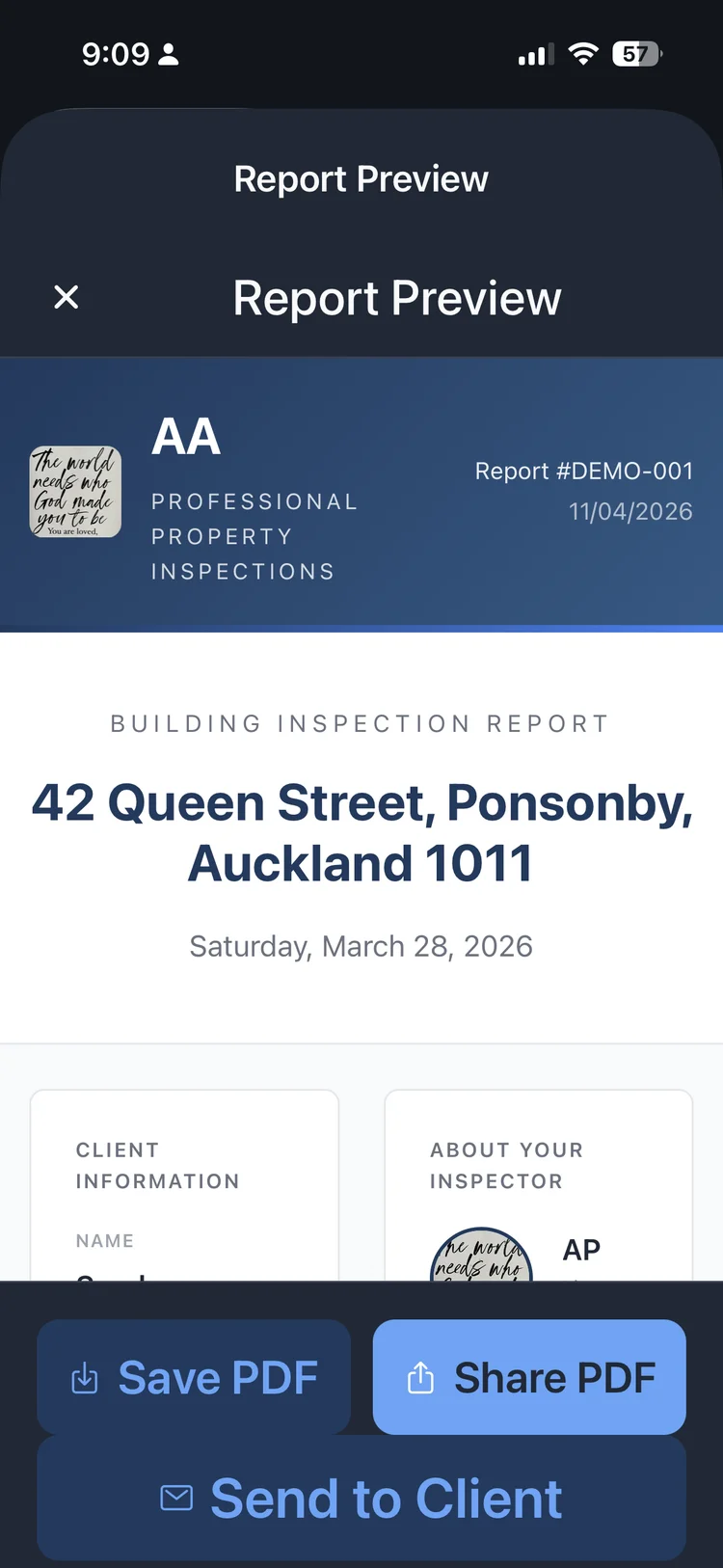
InspectPro replaces the paper checklist with a digital walkthrough that captures everything in one place. Each section has structured fields for condition ratings, observations, and photos. You tap, type, and snap as you move through the property. By the time you have ticked the last item, the report is already built — formatted, branded, and ready to send.
The checklist template on this page is a solid starting point if you want a structured approach to your inspections. But if you find yourself spending more time writing up reports than doing inspections, it is worth trying InspectPro. The 10-day free trial gives you full access — up to 10 report exports — so you can see the difference a digital workflow makes. No credit card required.
For inspectors working to NZS 4306 in New Zealand or AS 4349 in Australia, InspectPro includes pre-built section structures that match the standard requirements. You do not need to build your checklist from scratch or worry about missing a required area. The app guides you through every section the standard demands, and you can add custom sections for anything specific to the property.
Template vs InspectPro
| Feature | PDF Template | InspectPro App |
|---|---|---|
| Photo comments & severity tags | Manual paste | Built-in tools |
| Report delivery | Email attachment | Instant link |
| On-site completion | No — office required | Yes — fully mobile |
| Professional branding | Basic | Custom logo & colours |
| Time per report | 2-3 hours | Under 30 minutes |


Start your first report in minutes
- 10-day free trial
- No credit card
- Keep your reports